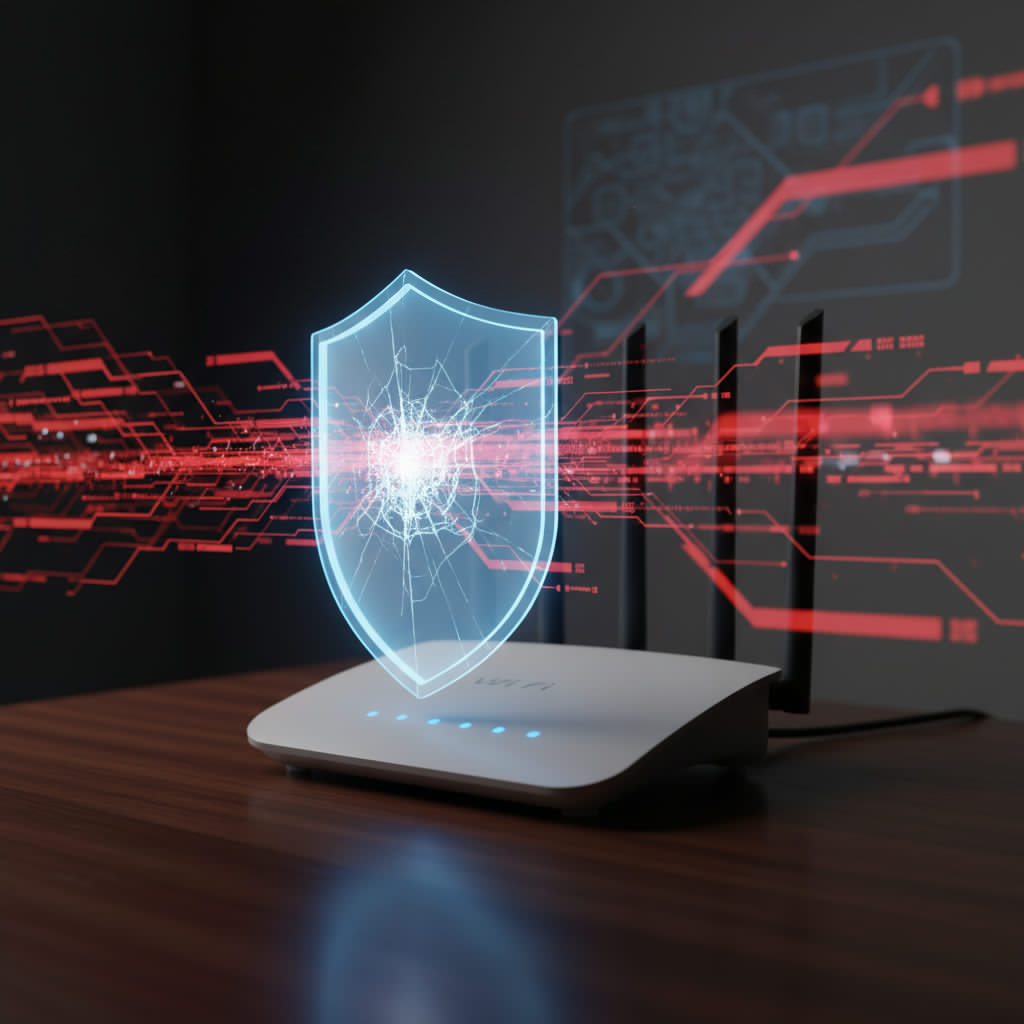
Parental controls supplied by an internet provider can be a useful starting point. The important question is not whether they are “good” or “bad,” but exactly what they cover, where their policy is applied and what happens when a device changes network.
What ISP controls may do well
Depending on the provider and country, an ISP service may offer category blocking, safer-search options, time schedules or account-level settings. It may be easy to activate because it is tied to the household connection, and it can provide a baseline without installing software on every device.
Capabilities differ widely. Do not assume that the settings described in another provider’s help page apply to yours.
Five questions that reveal the real coverage
- Where is the policy enforced? On the provider’s network, in the supplied router or through an app?
- Which devices and connections are included? Main Wi-Fi, guest Wi-Fi, mobile data and devices away from home may behave differently.
- Is the decision made by category, domain, page or app? These are not the same level of control.
- Can children change the settings? Ask which account or administrator password controls the policy.
- What happens with VPNs, encrypted DNS and Private Relay? Privacy technologies can change the route used for lookups or traffic.
Common limitations to check
One policy for the whole connection
Some ISP controls apply the same rules to everyone. That may be enough for a household baseline, but not for different ages, school requirements or adult devices.
Protection may end at home
A network-level policy generally applies only while a device uses that network. Mobile data, school Wi-Fi and another household’s network need separate consideration.
Classification is not perfect
Category filters can block a legitimate domain or miss a newly created harmful one. Families need a way to report mistakes and a calm process for responding when a child encounters something despite the filter.
Platform risks remain inside allowed services
Allowing a social platform or game may also allow its chat, livestreams, purchases and user-created spaces. Domain-level filtering cannot usually judge each conversation or item within the same service.
When standard ISP controls may be enough
A simple household with young children, few devices and strong device-level controls may only need a basic network category filter. If the provider clearly documents its coverage and the family tests it, “included” does not mean inferior.
A more specialised service becomes useful when a family needs clearer categories, profile-based rules, routines, service controls or support across devices that cannot install an app.
A stronger layered setup
- Router security: current firmware, modern Wi-Fi encryption and protected administrator access.
- Network filtering: a tested baseline on the home Wi-Fi.
- Device controls: child accounts, installation approval and age-appropriate limits.
- Platform settings: privacy, chat, contacts, purchases and recommendation controls.
- Family practice: regular conversation, agreed boundaries and a no-panic reporting plan.
Where Fitra Guard fits
Fitra Guard is a family DNS-filtering service designed to apply a values-conscious baseline at the router. Home Wi-Fi Protection covers the global Adult, Gambling, Malware and Phishing categories on the protected home network. Complete Family Protection adds profiles, service-level controls and routines for supported configurations.
It does not read messages, monitor social feeds or automatically cover mobile data. Its role is to strengthen the network layer while device controls and family guidance handle the rest.
Before you replace an ISP router
Check whether the existing router permits custom DNS and whether changing hardware would affect fibre authentication, telephone service, television or technical support. Sometimes the best answer is to keep the ISP equipment and configure it carefully; sometimes a compatible replacement or additional router is justified. Make the decision from documented requirements, not fear.
Sources & further reading · 4 references
- Smart devices: using them safely in your home — UK National Cyber Security Centre
- Private Relay and network-based filtering — Apple Support
- RFC 8484: DNS Queries over HTTPS — IETF
- RFC 1034: Domain Names—Concepts and Facilities — IETF
Last reviewed: 4 August 2026. ISP products differ by provider, plan, country and router model; confirm details with your provider.